Phone Safe for School & Parents
The intelligent smartphone safe with PIN code – for controlled access, without physical key
WardHUB: The Smart Phone Safe for Schools, Families and Teenagers
Smartphones in the classroom, during meals or before bedtime – a daily challenge for parents and teachers. Traditional phone safe solutions with physical keys create new problems: Who keeps the key? What happens when lost? How do you organize 30 phones in a school class?
The WardHUB is the modern solution: A compact smartphone safe with PIN code instead of keys. Ideal as a phone safe for school, family and teenagers. Parents or teachers assign individual codes – via SMS, email or verbally. No physical key, no key management, no searching for lost keys.
What makes the WardHUB particularly suitable for schools and parents: The Public Mode enables automatic code reset after each use. Student A deposits their phone in the morning, receives PIN 1234. After school they collect it – the code automatically becomes invalid. Student B gets a new code the next day. Teachers don't need to reset anything manually. The master code gives teachers and parents emergency access at any time – even if children forget their code.
The Fake PIN function protects against eavesdropping: Teenagers can enter random numbers before or after their real code. Classmates watching see only a long number combination and don't know the real code. A decisive advantage for children's and teenagers' privacy.
The WardHUB as a phone safe school solution: Schools can use multiple WardHUBs – each student one compartment, individual PIN codes, teacher master code for all compartments. At home: Parents set smartphone times, assign codes for defined time windows. When battery is empty: USB-C emergency power via power bank – no breaking open the safe necessary. The compact design made of 2mm hardened steel offers professional security in flexible format.
As a smartphone safe box, the WardHUB is perfect for home use: Store phones before bedtime, keep smartphones safely stored during homework, enforce digital breaks – with PIN code instead of constant discussions. Parents maintain control, children learn responsibility for their smartphone use.
WardHUB vs. Traditional Phone Safe Boxes
WardHUB Smartphone Safe
- ✓✓ PIN code instead of key – no key management
- ✓✓ Public Mode: Automatic code reset after use
- ✓✓ Master code for parents/teachers – emergency access anytime
- ✓✓ Fake PIN against eavesdropping by classmates
- ✓✓ USB-C emergency power – never locked out with empty battery
- ✓✓ Compact & robust: 2mm hardened steel
- ✓✓ Codes via Public Mode or Private Mode
- ✓✓ 1 liter volume – multiple smartphones
Traditional Phone Safe Boxes
- ✗✗ Physical key – loss risk, administrative effort
- ✗✗ No automatic reset – manual resetting necessary
- ✗✗ No emergency access – break open with forgotten code
- ✗✗ Code visible – classmates can spy on code
- ✗✗ When battery empty: break open safe or replace
- ✗✗ Heavy & inflexible – often plastic or sheet metal
- ✗✗ Key handover required – physical contact
- ✗✗ Limited capacity – often only 1-2 devices
Use Cases for Phone Safe
From classroom to children's room – controlled smartphone access for every situation

Schools & Classrooms
Public Mode: Students store phones in the safe in the morning, collect them after school – code reset runs automatically. Teachers don't need to manage codes. Teacher master code for emergencies.

Parents & Families
Private Mode for fixed family rules: Smartphone in the safe before bedtime, out again in the morning. Parent master code for emergencies. Clear rules without constant code changes.

Hotels & Holiday Apartments
Guests store smartphones or valuables safely in the room. Public Mode for changing guests, automatic code reset after check-out.
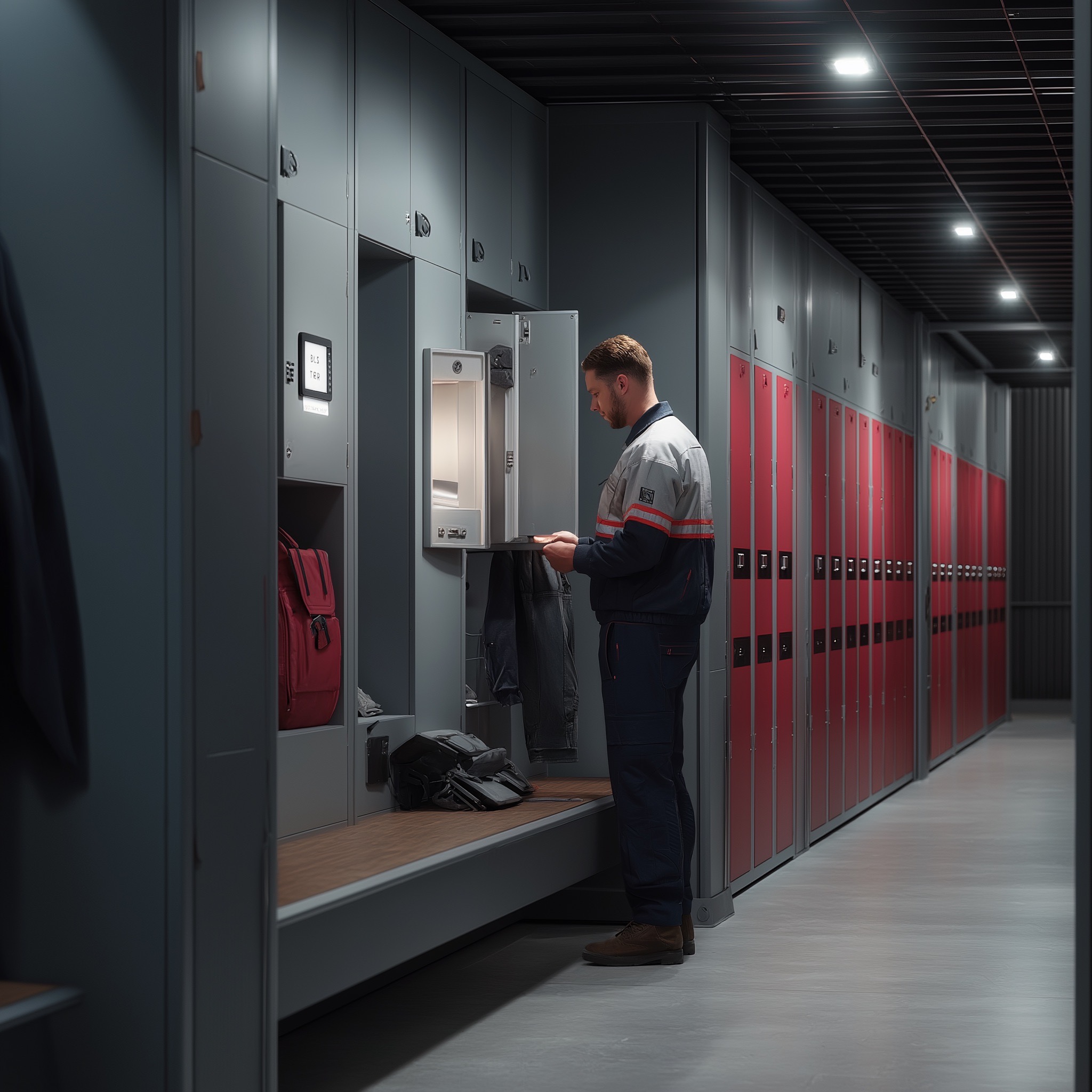
Companies & Offices
Employees store private smartphones during working hours. Public Mode or Private Mode as needed, master code for IT department, professional security.

Car Workshops
Safely store customer phones during vehicle handover. Public Mode ensures automatic code reset after collection.

Branch Operations & Retail
Store employee smartphones safely during shift. Public Mode or Private Mode depending on organization, no key management.
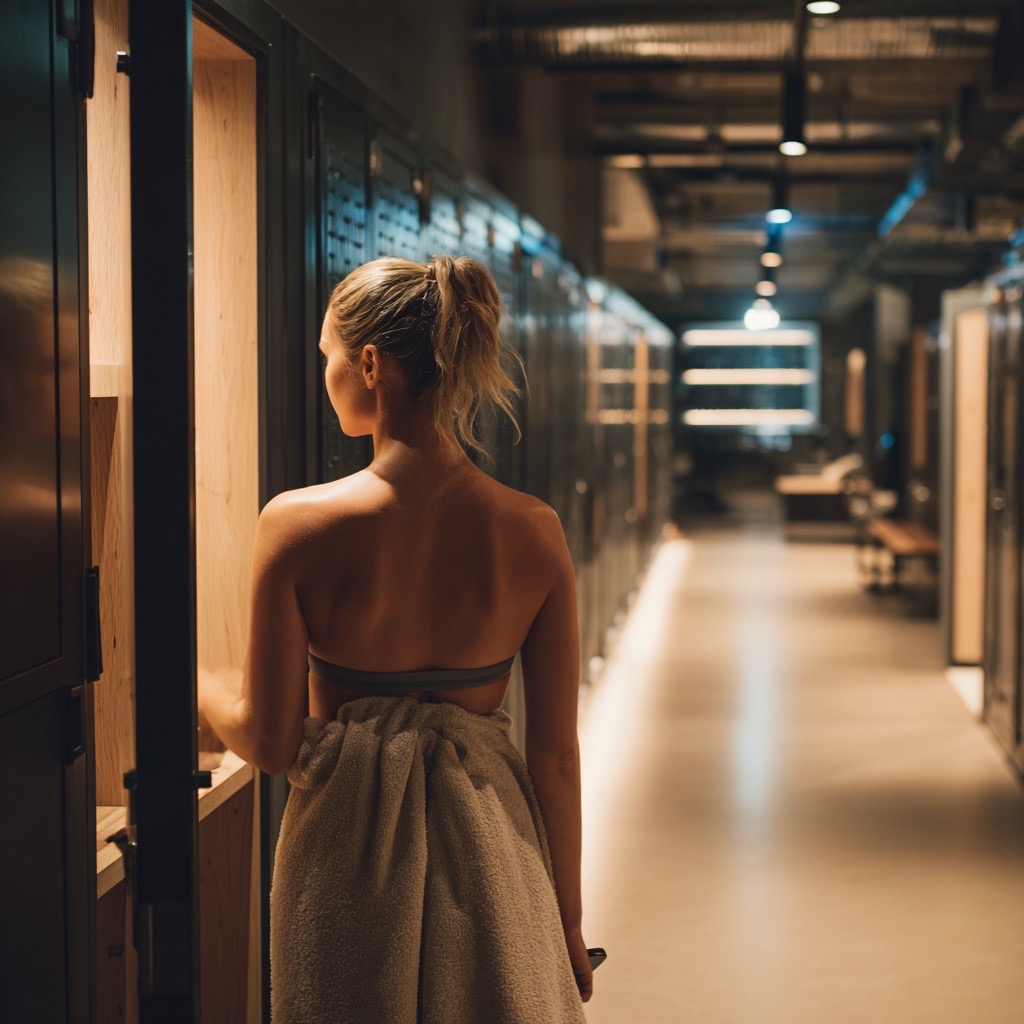
Gyms & Sports Clubs
Members store smartphones during training. Public Mode or Private Mode for members, robust construction for daily use.

Golf Clubs & Leisure Facilities
Members and guests store valuables during rounds. Public Mode for guests, Private Mode for members.
Intelligent Features for Phone Safe & Smartphone Safe
Smartphone Safe Box
1 liter internal volume – space for multiple smartphones or smartwatches. Compact design for flexible mounting.
PIN Code Instead of Key
Phone safe with combination lock – no physical keys, no management, no losses. Public Mode or Private Mode.
Public Mode
Automatic code reset after use – ideal for schools, hotels, changing users. No manual resetting.
Parent Master Code
Parents or teachers have emergency access at any time – even if children forget their code. Maintain control.
Fake PIN Function
Protection against eavesdropping: Enter random numbers before/after the real code – classmates don't know the real code.
USB-C Emergency Power
Battery empty? Connect power bank, enter code, open. Never locked out, no breaking open necessary.
2mm Hardened Steel
Professional security: Robust housing made of hardened steel – significantly harder than stainless steel or plastic.
IP65 Lock
Waterproof electronic lock for outdoor installation – protected against dust and water jets.
Advantages as Phone Safe for School and Parents
For Schools: Public Mode for Automatic Management
Public Mode makes smartphone management in schools simple: Students store their phone in the morning, collect it after school – code reset runs automatically. Teachers don't need to assign or reset PIN codes. The master code gives teachers access to all compartments at any time – for emergencies or end of school. Multiple WardHUBs can be mounted side by side – each student their own compartment.
For Teenagers: Privacy Through Fake PIN Function
Teenagers can protect their code: Enter random numbers before or after the real code. Classmates or siblings watching see only a long number combination (e.g., 88881234999) and don't know the real code (1234). This strengthens privacy and prevents code eavesdropping in schools or at home.
No More Key Chaos: PIN Code Instead of Physical Key
Traditional phone safe boxes with keys create new problems: Who keeps the key? What when lost? The WardHUB works completely keyless – only PIN codes. Codes are shared digitally via SMS, email or verbally. No keychain, no searching, no duplicates. For school classes with 30 students: 30 individual codes instead of 30 physical keys.
Public Mode: Ideal for School Classes with Changing Users
Public Mode is perfect for schools: Student A uses compartment 5 on Monday, Student B uses the same compartment on Tuesday. Everyone receives an individual code that automatically becomes invalid after use. No manual resetting by teachers, no security gaps from forgotten code changes. In Private Mode the code remains permanently stored – ideal for fixed assignments (e.g., child in their own room).
USB-C Emergency Power: Never Locked Out – Even with Empty Battery
Battery empty and smartphone urgently needed? Simply connect power bank or USB charger, enter code, open safe. The stored code is retained. This backup solution is especially crucial for schools and families: No breaking open the safe, no loss of devices, no expensive replacement.
Frequently Asked Questions About Phone Safe & Smartphone Safe
Is the WardHUB suitable as a phone safe for schools?
Yes, absolutely. The WardHUB was developed for exactly such scenarios: Teachers can assign individual PIN codes to students in the morning (verbally, SMS or posted). After school each student collects their smartphone – Public Mode automatically resets the code. No manual resetting necessary. The teacher master code enables emergency access to all compartments at any time. Multiple WardHUBs can be mounted side by side – ideal for entire classrooms.
How can parents use the WardHUB as a smartphone safe for teenagers?
Parents assign time-limited codes: Smartphone in the safe before bedtime, new code in the morning. During homework: Phone in safe, code only after completion. Public Mode enables automatic code reset – children cannot simply get the phone after time expires. The parent master code gives emergency access at any time. Clear rules, no discussions, digital education with system.
What is the Fake PIN function and why is it important for children?
The Fake PIN protects against eavesdropping by classmates or siblings: Children can enter random numbers before or after their real code. Example: The real code is 5678, the child enters 111567899 – the safe opens. Someone watching sees only a long number combination and doesn't know the real code. This strengthens children's privacy and prevents code theft in schools or at home.
How many smartphones fit in the WardHUB?
The WardHUB has an internal volume of approximately 1 liter. That's enough for 2-3 smartphones, 1 tablet or multiple smartwatches. For school classes: Each student gets their own WardHUB (multiple safes can be mounted side by side). For families: One safe for all children's smartphones, or one safe per child in their own room.
What happens if a child forgets their code?
No problem: Parents or teachers have a master code that enables access to all compartments at any time – even if children forget their individual code. The safe doesn't need to be broken open, no device is lost. This is especially crucial for schools and families: Professional emergency access without damage.
Is the WardHUB safe enough for expensive smartphones?
Yes. The housing consists of 2mm hardened steel – significantly harder than stainless steel or plastic. The construction meets VDMA security level A. The electronic lock is IP65-certified (dustproof and waterproof). Robust enough for schools, families and commercial use. Of course no safe is impenetrable – but the WardHUB offers professional security for everyday use.
Can I use the WardHUB as a smartphone safe box at home?
Absolutely. Many families use the WardHUB for digital breaks: Smartphones in the safe before dinner, phones stored during homework, limit screen time before bed. Public Mode enables time-limited access, Private Mode stores the code permanently. Parents maintain control, children learn responsible smartphone use.
What happens with empty battery?
No problem: The WardHUB has USB-C emergency power. Simply connect power bank or charger, enter code, open. The stored code is retained. Especially important for schools: No breaking open the safe, no loss of expensive student smartphones. The battery lasts 6-12 months depending on use – correspondingly shorter with daily use in schools.